
Our WordPress real estate plugin adds interactive floor plans, live availability, unit pricing and lead capture to a WordPress site without custom development. Try it free right here.

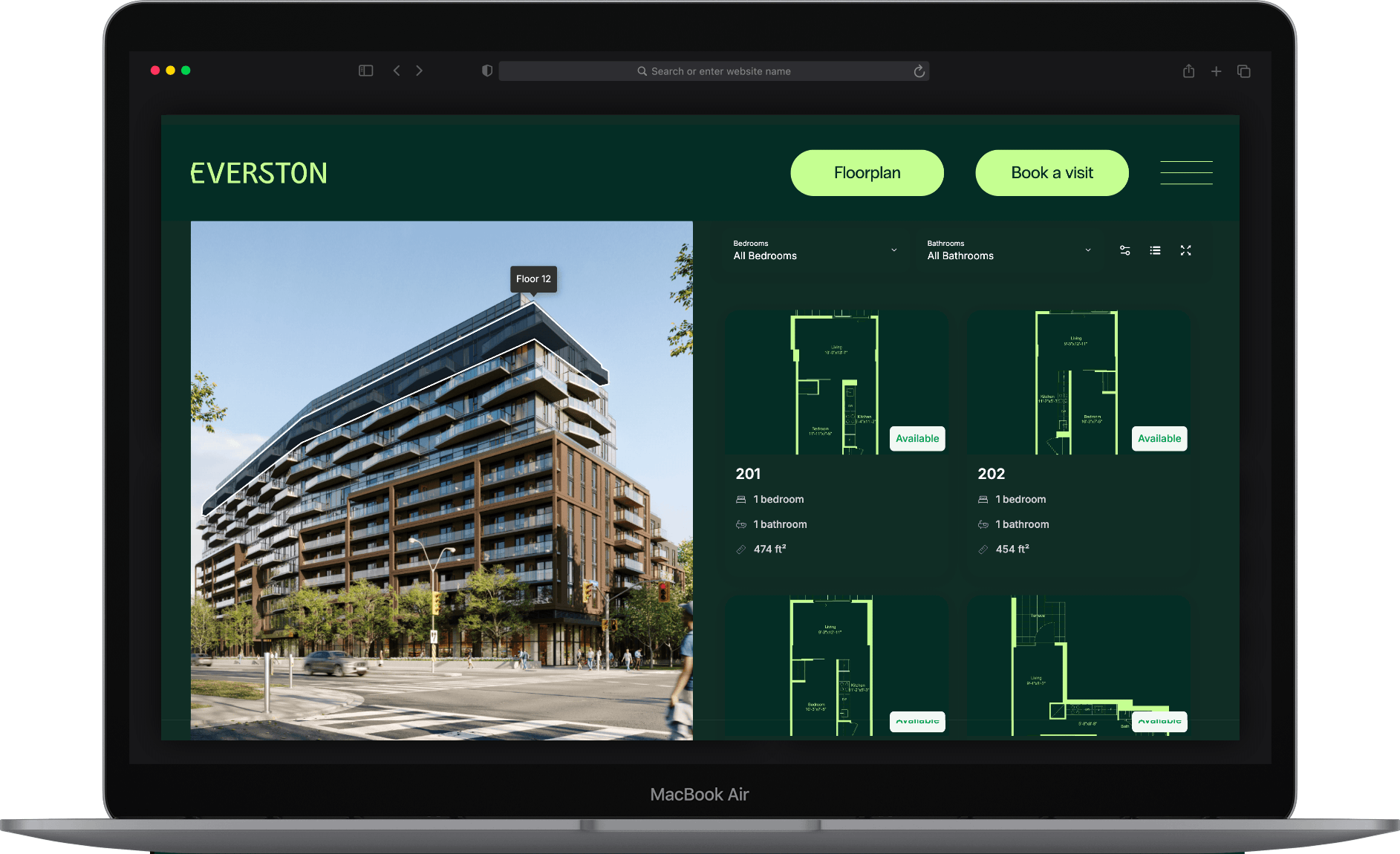
Planpoint is the interactive plan viewer that embeds into any WordPress real estate site in minutes, turning static PDFs into a live, filterable, buy-ready experience your visitors actually explore
A clickable, filterable plan that reflects live availability converts. A JPEG of a floor plan does not.
Heavy plugins tank your Core Web Vitals and your rankings. Look for something hosted and lightweight, not another database load on your server.
Elementor, Gutenberg, Divi, WPBakery: your tool shouldn't care which one you use.
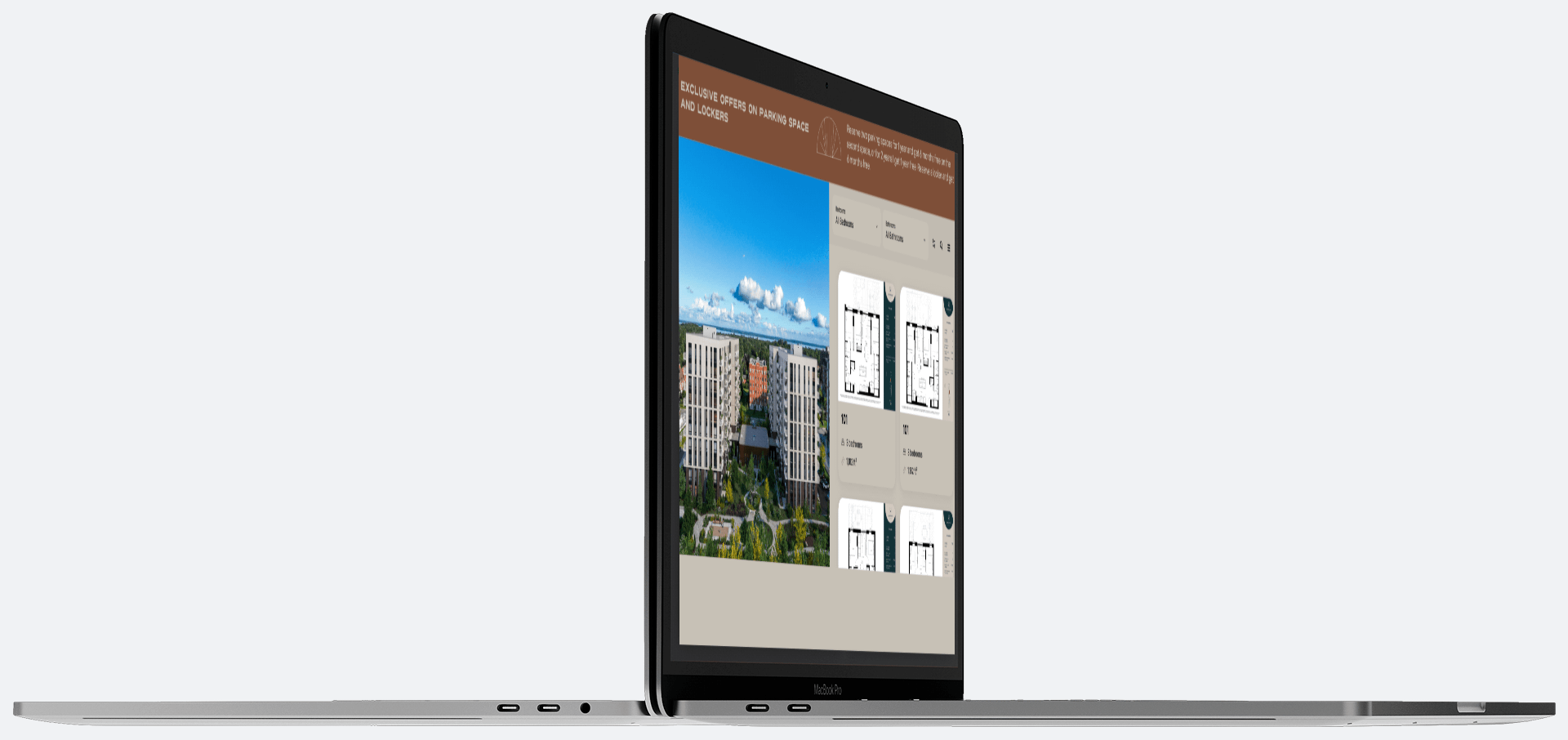
Buyers and renters want to know what's *actually* available today without emailing your sales team.
Monthly and cancel-anytime beats an annual licence for a plugin you're still evaluating.
Track popularity of units, market demand for bedroom types and heatmaps for the floors and building.
Planpoint is the leading interactive plan viewer for real estate. And it drops into WordPress as cleanly as embedding a video.
You build your interactive stacking plan, site map or 3D experience in Planpoint's simple online editor, then paste one embed snippet into any WordPress page or post. That's it. Your plan is live, on-brand, and syncing availability and pricing in real time.
The Real Estate platform for WordPress with the most innovative features: Enterprise Portfolio, Immersive 3D, advanced analytics, online payments, custom CSS, choice of finishes and much, much more...

Because Planpoint is hosted, there's no plugin to install, no server load, and nothing to break when WordPress or your theme updates. Change a price or mark a unit sold in Planpoint, and every WordPress page showing that plan updates instantly.
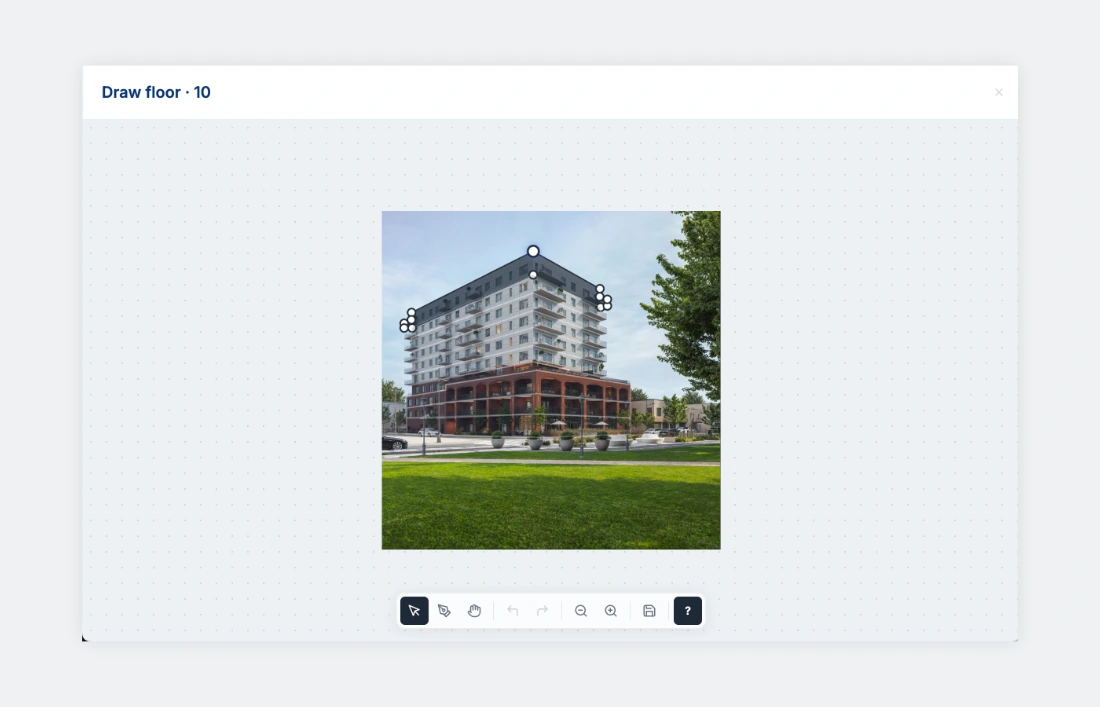
Step 1
Upload your floor plans, set units, availability and pricing. Outline the floors on your building or different phases in your project. No code.
Step 2
Edit hosting options and customize the style of your Planpoint Viewer.

Step 3
You can export as many instances of your plan viewer as you wish, in 5 languages (English, French, Spanish, Chinese and German).
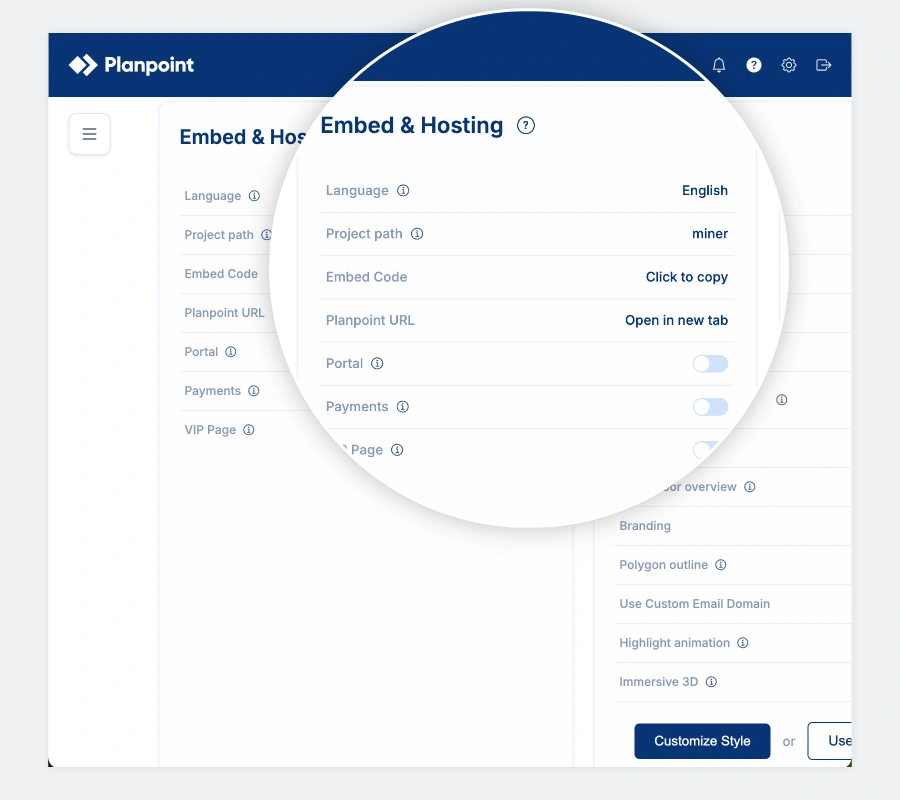
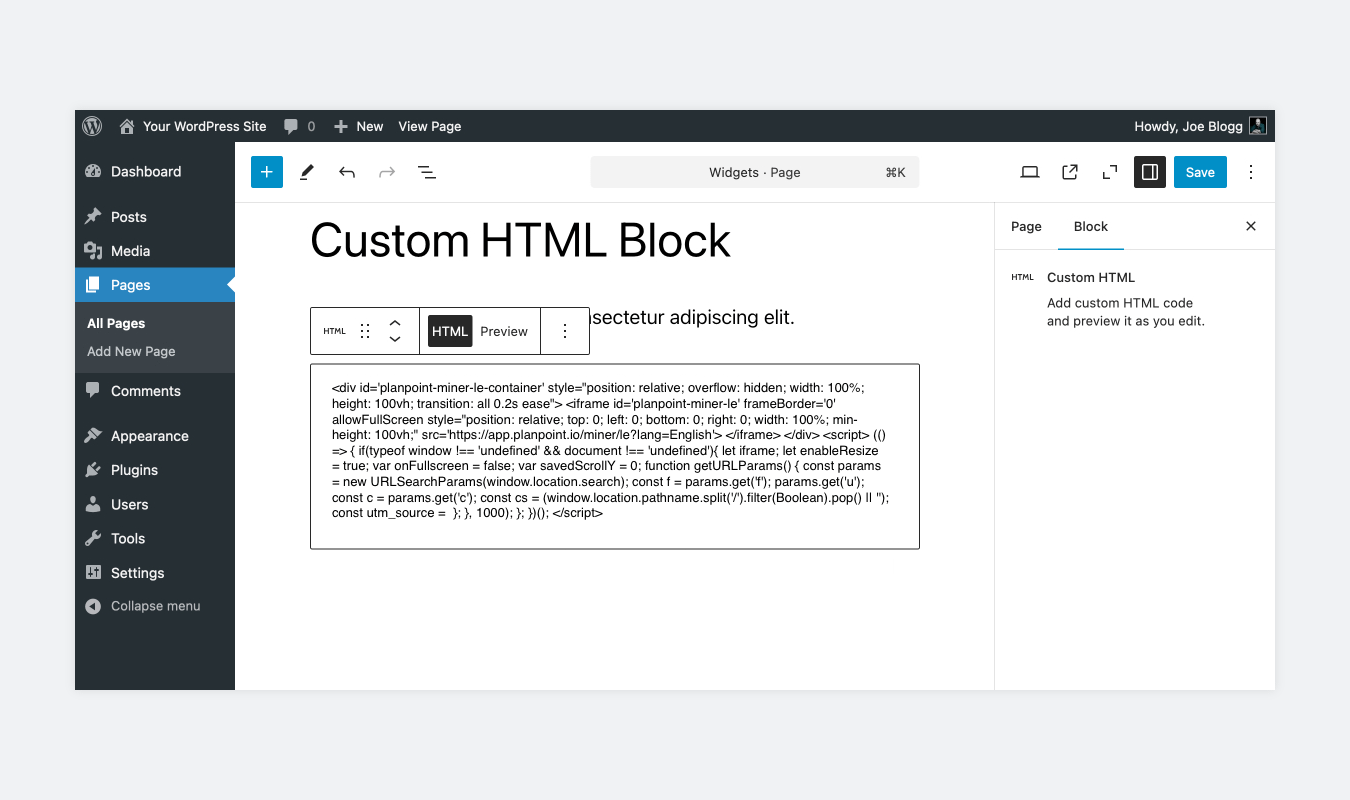
Final step
Paste into a Custom HTML block in Gutenberg, an HTML widget in Elementor, or anywhere your page builder accepts embed code.
Build your first interactive stacking plan or site map free, and embed it on your WordPress site today.
The best option depends on what you're marketing, but for interactive floor plans and unit availability, look for a tool that's genuinely interactive, updates pricing and availability in real time, and won't slow your site down. Planpoint is purpose-built for this: it embeds into any WordPress page, turns static plans into a filterable experience, and syncs availability live. Used by developers and owners like Brigil, Cogir, Cadillac Fairview and RioCan.
Planpoint works on WordPress through a simple embed rather than a plugin you install from the WordPress directory and that's a feature, not a limitation. There's nothing to install, no server load, no plugin conflicts, and nothing that breaks when WordPress or your theme updates. Because Planpoint is hosted, your plans stay fast and always up to date, and the exact same setup works on Webflow, Squarespace or a fully custom site.
Many listing plugins offer free tiers, though interactive floor plans and live availability are usually paid features. Planpoint offers a free trial so you can build a real interactive plan and embed it on your WordPress site before you commit. No contract, cancel anytime.
No. Planpoint is hosted and loads as a lightweight embed, so it doesn't add database queries or server load the way a heavy plugin can. Your Core Web Vitals and your rankings stay protected.
Yes. Availability and pricing update in real time. When your sales team marks a unit sold or changes a price in Planpoint, every WordPress page displaying that plan reflects it instantly with no re-embedding, no re-uploading.
Build your plan in Planpoint's online editor, copy the embed snippet from your dashboard, and paste it into a Custom HTML block (Gutenberg) or HTML widget (Elementor, Divi, WPBakery) on any page. It goes live immediately and stays responsive on desktop and mobile.
Yes. Because Planpoint is a standard embed, it works anywhere your page builder accepts HTML (Gutenberg, Elementor, Divi, WPBakery and others.)
Yes. Planpoint covers new construction, rentals, multi-family, single-family, senior homes, student housing, land and commercial (retail, office, industrial) all embeddable on WordPress.

"I've built a lot of real estate sites on WordPress, and the floor plans were always the annoying part... static PDFs nobody could update without me and I was getting emails all the time. With Planpoint I drop in one embed and hand it off. The client changes their own prices and availability, the page stays fast, and I never have to touch it again."
Andres Felipe Restrepo, front-end developer


Check out all the features


